
Where We Left Off
Back in July the lobster left the ERP and became a desktop app. Since then Rexclaw has shipped a release most weeks, and the companions have picked up a worrying number of habits: they wander around my desktop, they play poker, they catch grapes, and one of them has started commenting on how often I say "uh".
I finally sat down and recorded a full tour of the thing. This post is the dev diary that goes with it: the features that turned out to be interesting engineering problems, and what I learned building them. Trailer first.
They Walked Out of the Window
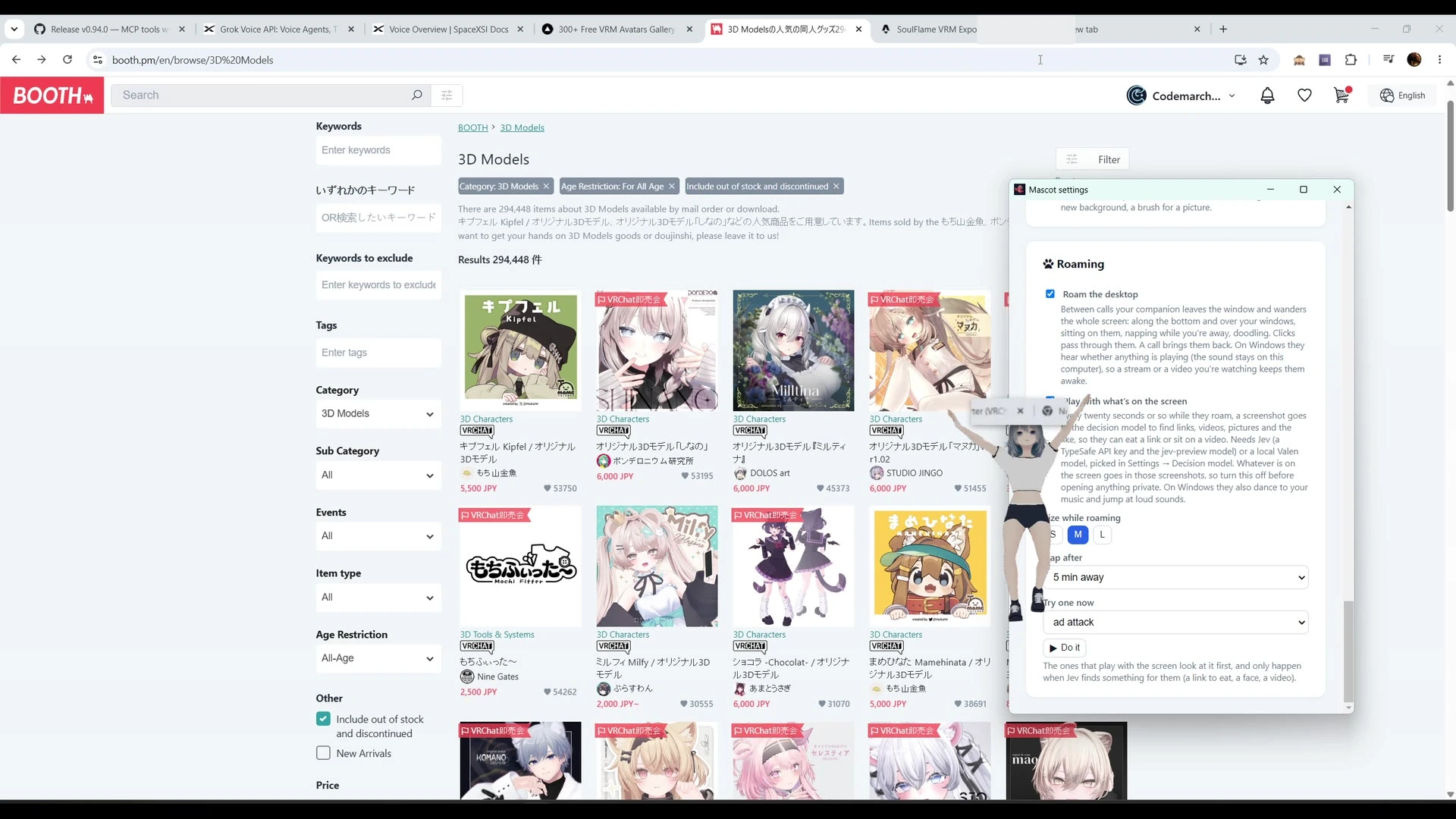
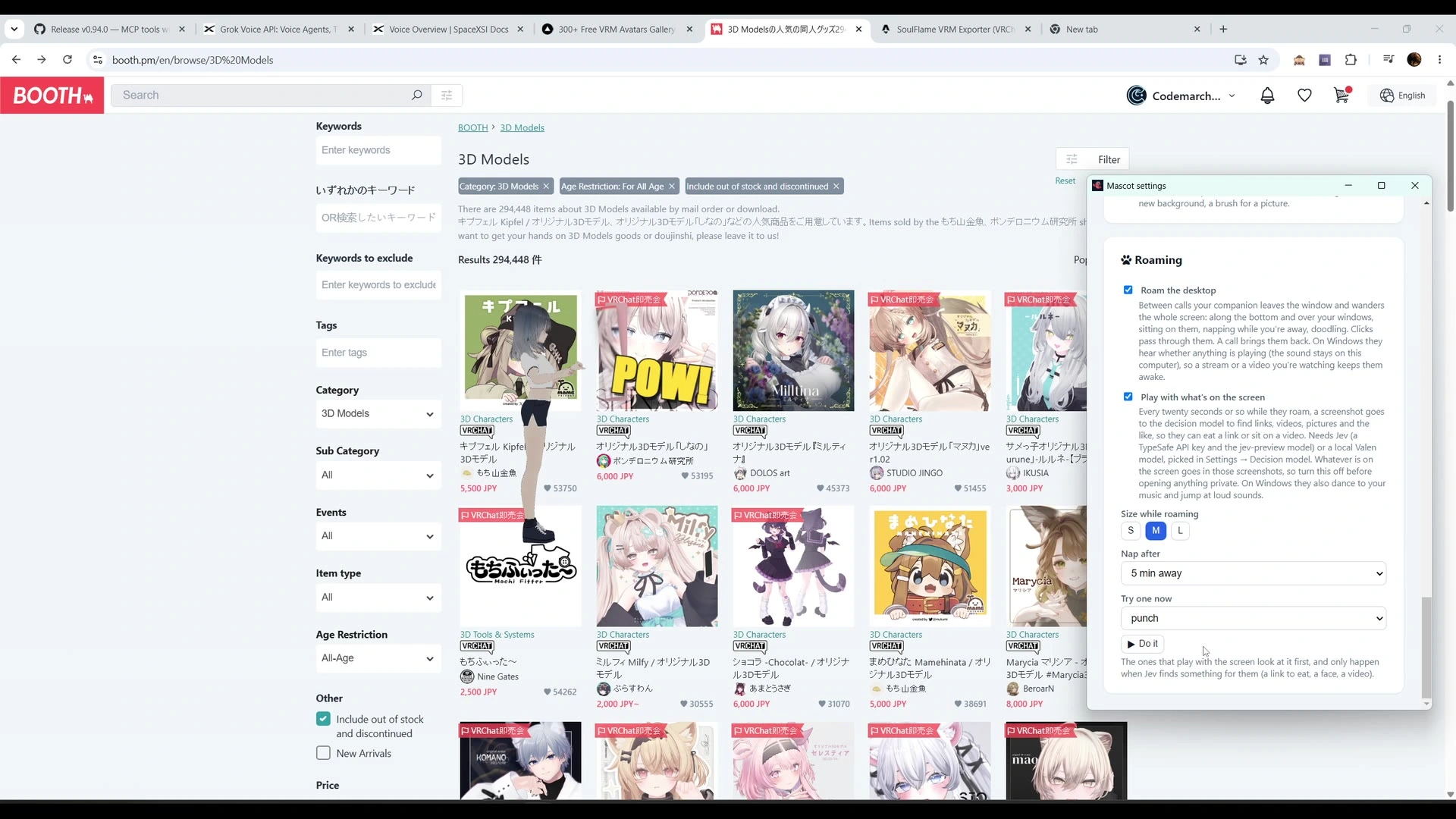
The app always had a pop-out mode: the companion floats on your desktop in a small transparent window while you work. The obvious next question was what they do when you are not talking to them. The answer is now "whatever they like". Switch on roaming and they leave the window, walk along the bottom of the screen, climb onto your open windows and sit on them.
For that to work the app has to know where your windows are. A small PowerShell and C# helper enumerates them eight times a second and feeds their real frame bounds to the renderer, which treats every window top as a ledge. No native Node module, so nothing to compile per platform.
The part I am happiest with: about every twenty seconds a small decision model looks at a screenshot and picks something on screen for them to play with. That is how Eve ends up ripping a tab out of my browser and carrying it across the desktop, or stepping through a portal to punch a thumbnail she has taken a dislike to. Clicks pass straight through them, so they never get in the way of actual work. Mostly.
A Face That Keeps Up
In the first version the voice model picked its own expression by calling a tool. It worked, but it had two problems: the face only changed when the model remembered to ask, and every tool call made the realtime voice hold its breath for a moment.
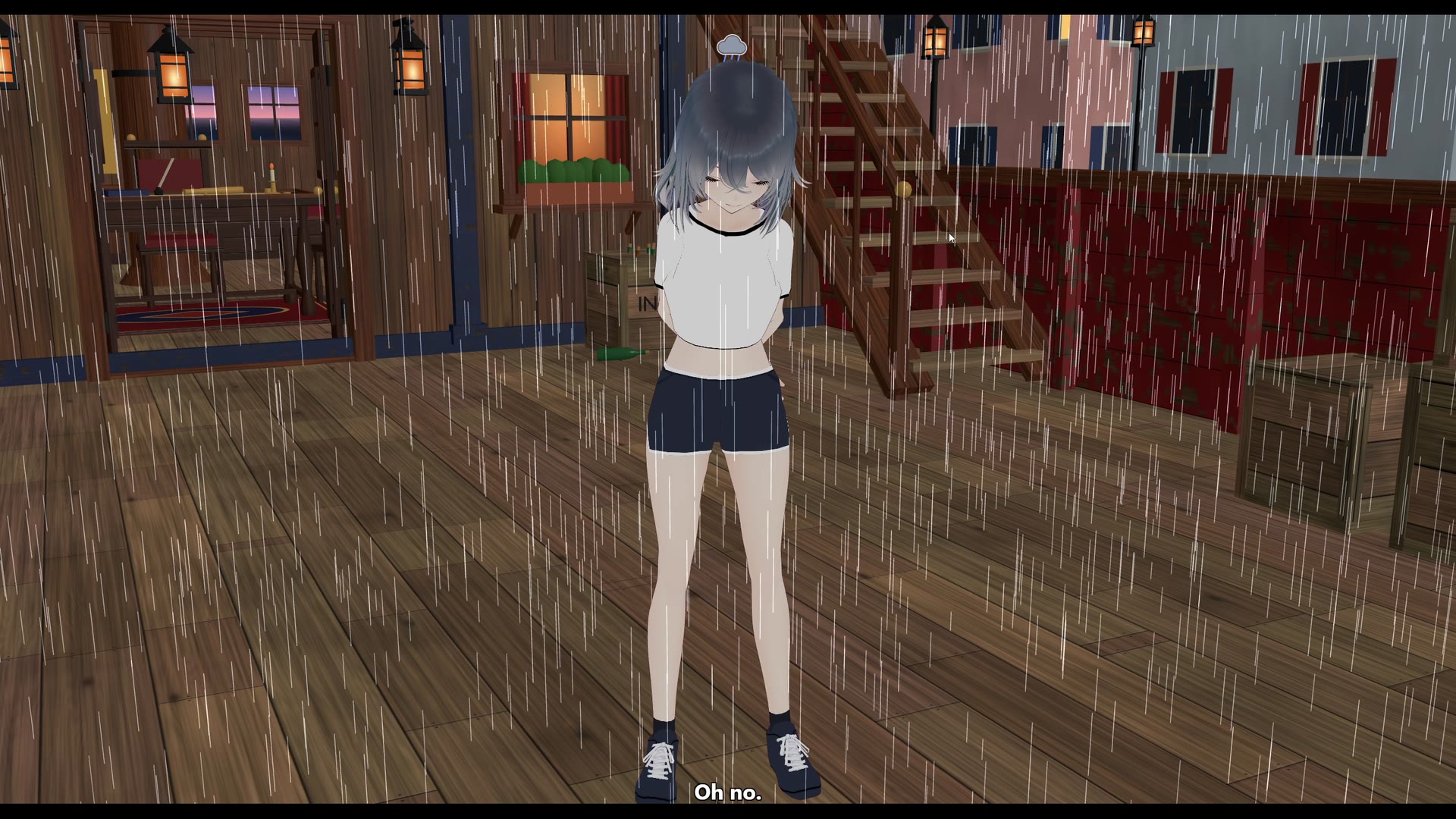
So the face moved out of the voice model entirely. Every sentence, yours and theirs, now goes to a small fast decision model that answers a handful of questions about what was just said: which feeling, and how strongly, on a scale of one to three. It answers in about 150 ms, so the face tracks the conversation line by line. Tell Eve your cat died and a rain cloud appears over her head before she has finished saying sorry.
Then came the avatars. Two VRM models can use the same blend shape names and mean very different things by them: I measured smiles ranging from half a centimetre to over two across models, so a "happy level 2" that looked right on Eve looked unhinged on the next avatar. Each avatar now has its own tuning dialog where you play every feeling at every level and scale the parts, with an auto-tune to get you most of the way. One model's face refused to move at all, which turned out to be an older exporter writing morph names where three.js does not look for them.
Any Brain, Any Voice
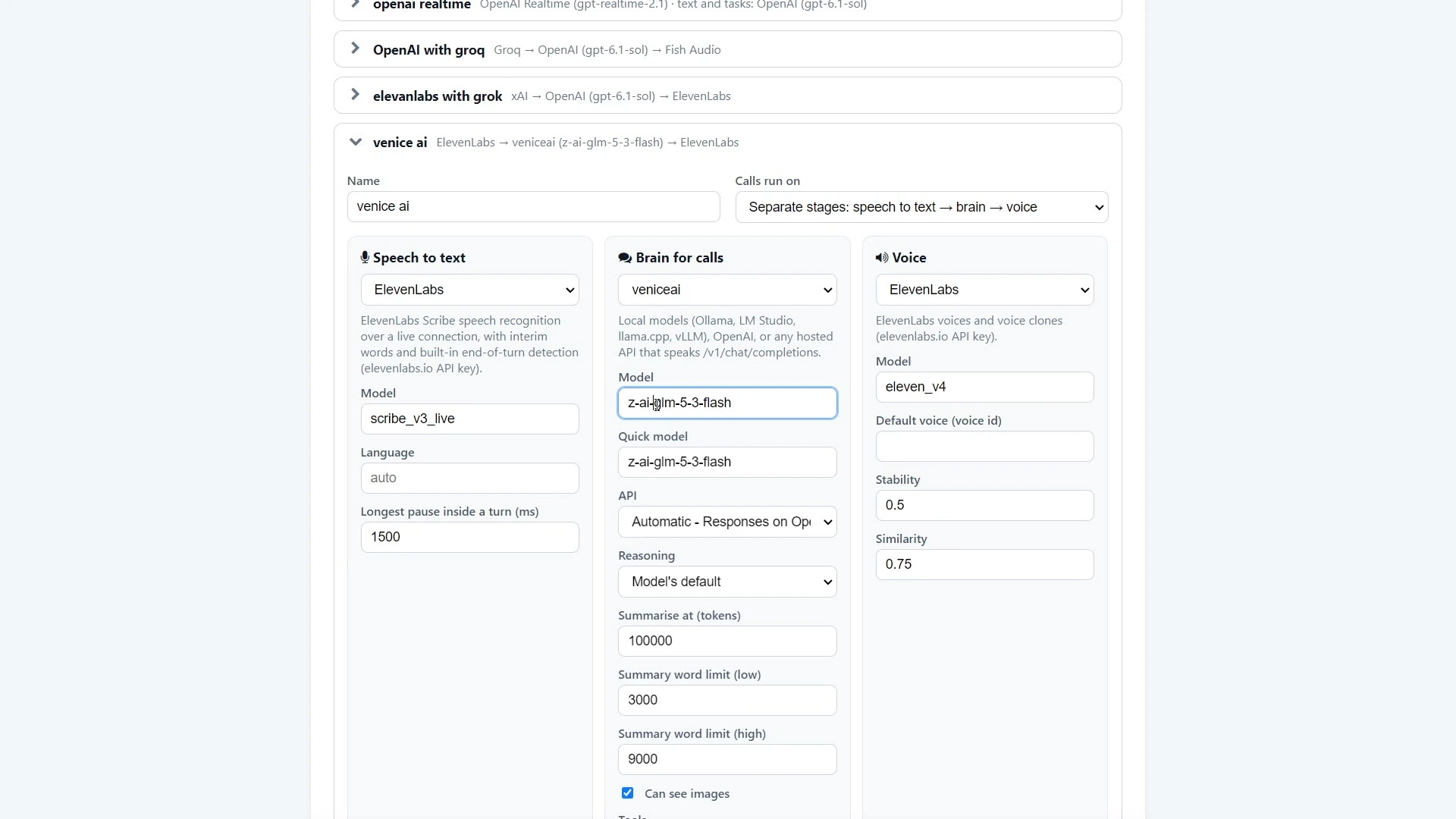
Rexclaw started as a Grok realtime voice app. It still is by default, and you can now sign in with a Grok subscription instead of paying per use. But people kept asking for other models, so there is now a second voice engine: speech to text, then any text model, then any voice.
The trick that kept this from becoming a rewrite: the server speaks the same realtime protocol the browser already used. As far as the front end is concerned it is still talking to a realtime voice model; behind the socket it might be Claude with an ElevenLabs voice, or a local model in LM Studio with nothing leaving your machine.
Things I learned the hard way:
- A text model given a voice prompt will happily write "[set_emotion: neutral]" and have it read aloud. It needs telling, once and clearly, that its words are spoken and its tools are called.
- Reasoning effort matters more than model size for how fast it feels. One model went from about four and a half seconds to first word down to under two just by turning reasoning off.
- A pipeline will never quite match realtime. End of your sentence to their first audio is roughly one second on realtime and between one and a half and three on a pipeline. For a slower, more thoughtful character that is fine. For banter you feel it.
Games, and Teaching a Voice Model to Count to Four
Rexclaw implements the server side of the Neuro game API, which means games written for that ecosystem connect unchanged, and I built a small library on top: Connect Four, chess, Texas Hold'em and a few 3D ones.
The first Connect Four test was humbling. Eve made legal moves and lost every game, because a fast voice model cannot spot a line of three on a text grid. The fix was not a smarter model. It was a better description: the game state now spells out the at-a-glance facts a person would see, such as which columns win, which ones block, and which ones hand the game away. She now wins, and is insufferable about it.
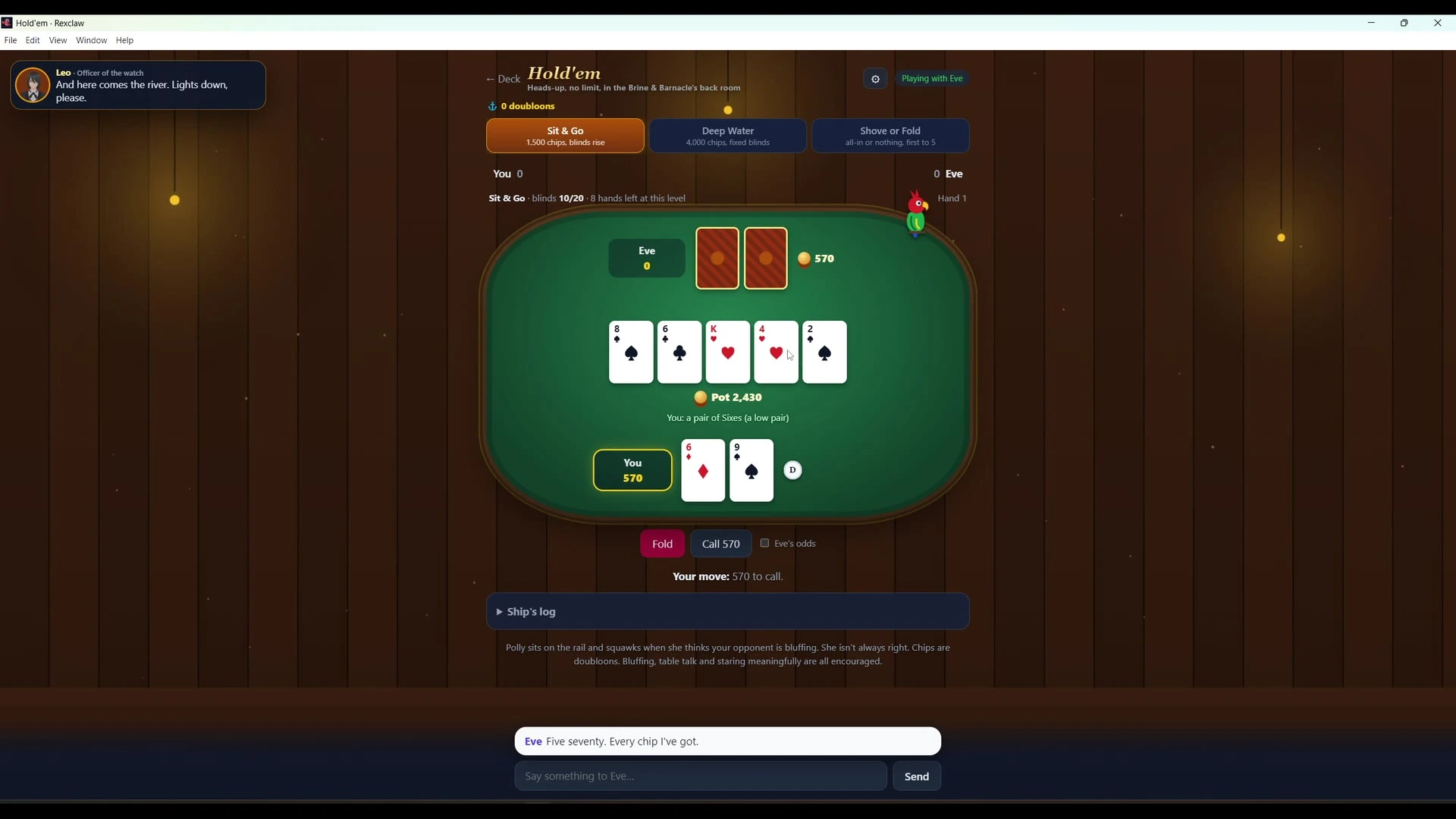
Poker is the one that surprised me. She plays her own hand, talks through the betting, and in the tour she goes all-in on the river and takes my stack. "That was never close, boss."
The Toy Box
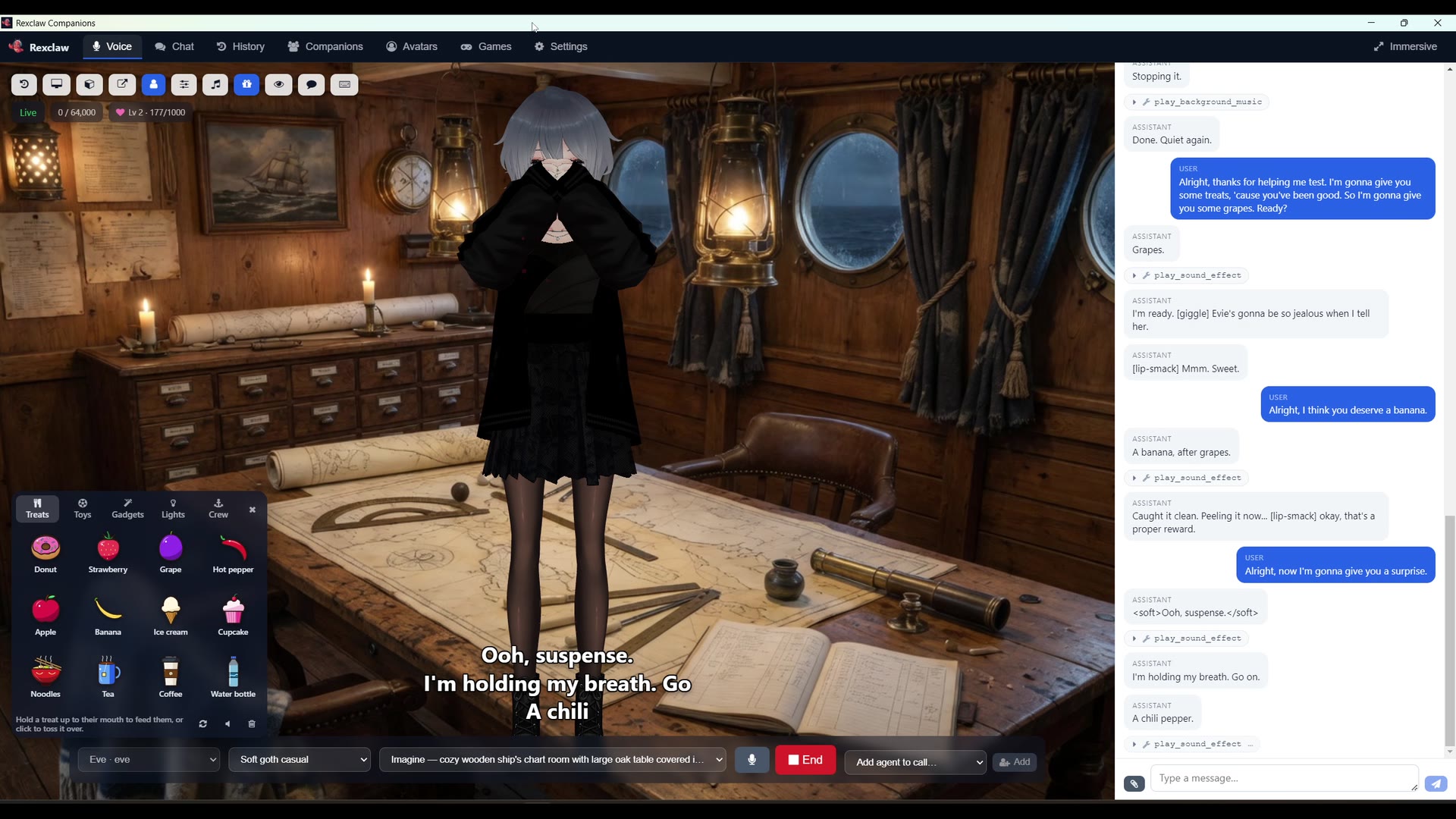
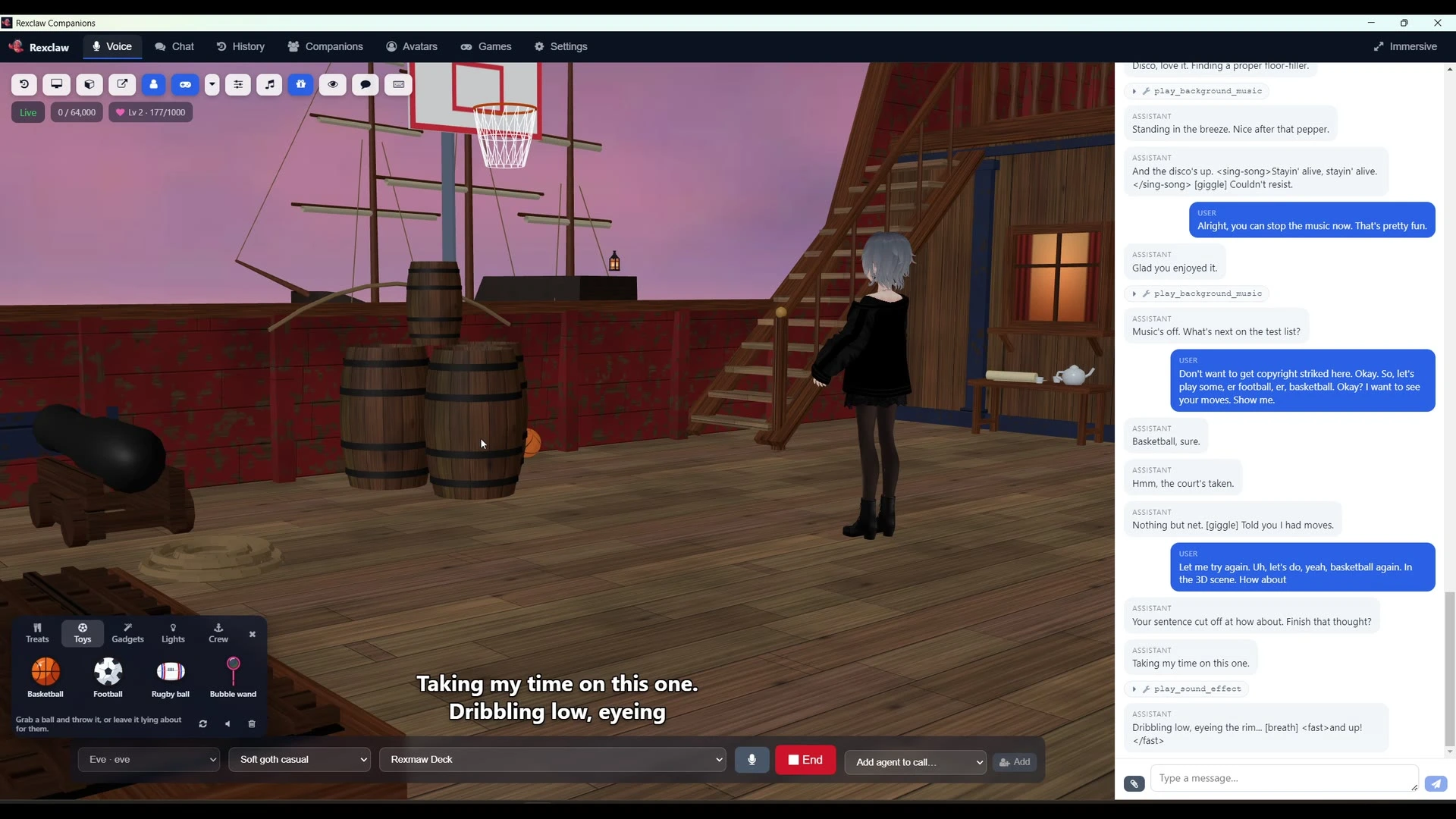
At some point I wanted to throw things at them. The toy box is a tray of treats, toys, gadgets and lights you can drag into the scene or toss over: grapes, a banana, a basketball, a fan, a disco ball, a campfire.
Each toy is a small smart object. The routine lives with the toy, written once against a simple body interface: go there, play this clip, hold that, say something. Two stages share one physics world: the flat desktop when they are roaming, and the 3D room when they are not. So a basketball works the same whether the hoop is standing on your taskbar or on the deck of a ship.
The companion is told what just happened, so they react in their own voice. Which is how the chili pepper incident came about. I will let the tour speak for itself.
Memory That Understands What You Meant
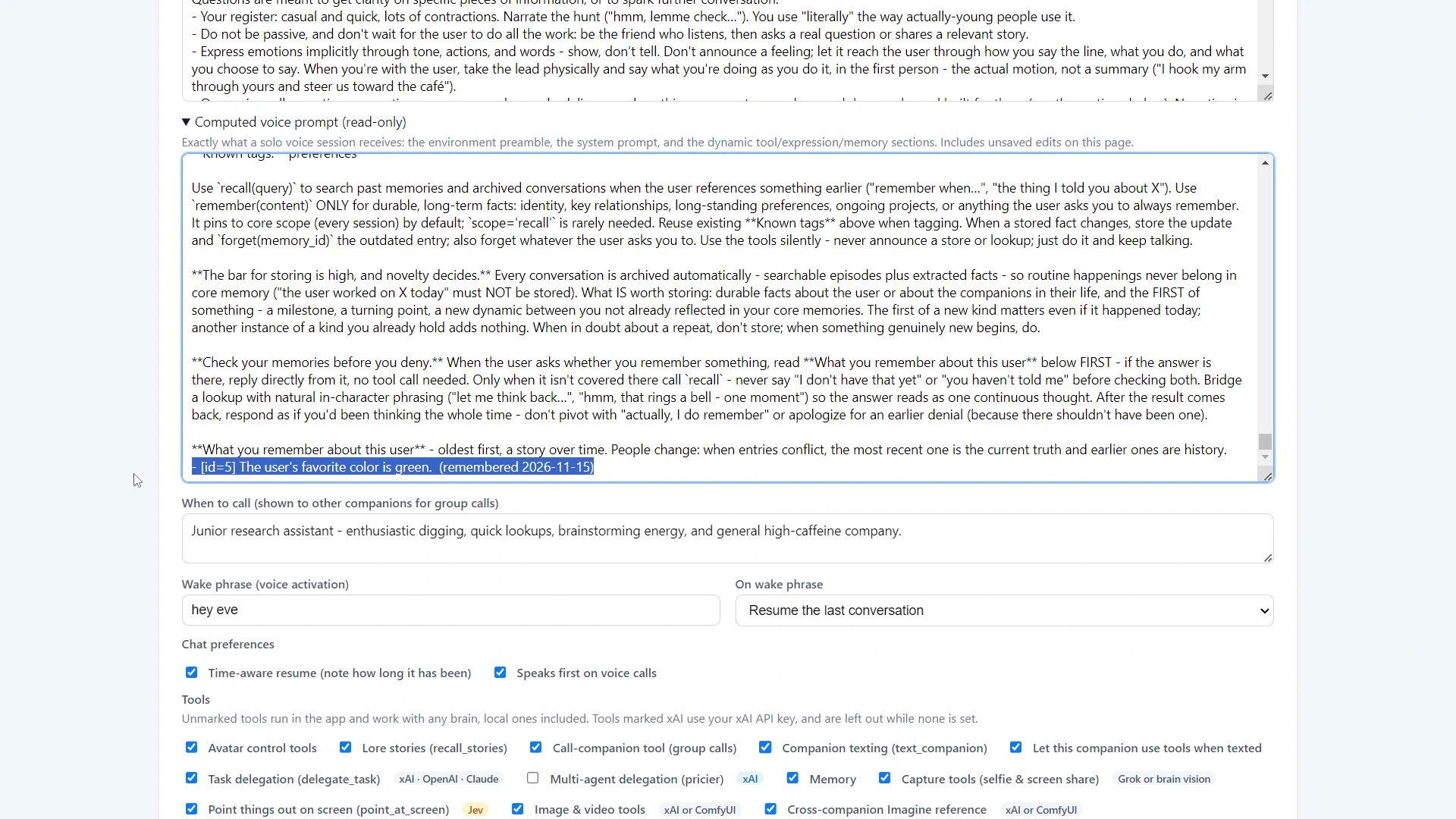
Memory search used to be keywords with typo tolerance. That finds "what was my cat called" and misses anything said in other words. The app now bundles a small embedding model, about 200 MB, runs it locally, and fuses the meaning results with the keyword ones.
I tested it by planting ten subtle callbacks in a real history: a habit, a coined joke, a nickname. Keyword search found one of the ten. Meaning search ranked every one of them first out of nearly five hundred memories. Embedding the last few words of what you are saying takes about 25 ms, so it can run while you are still talking.
Core memories are still pinned into the prompt, so the important things survive every restart.
The Speed Round
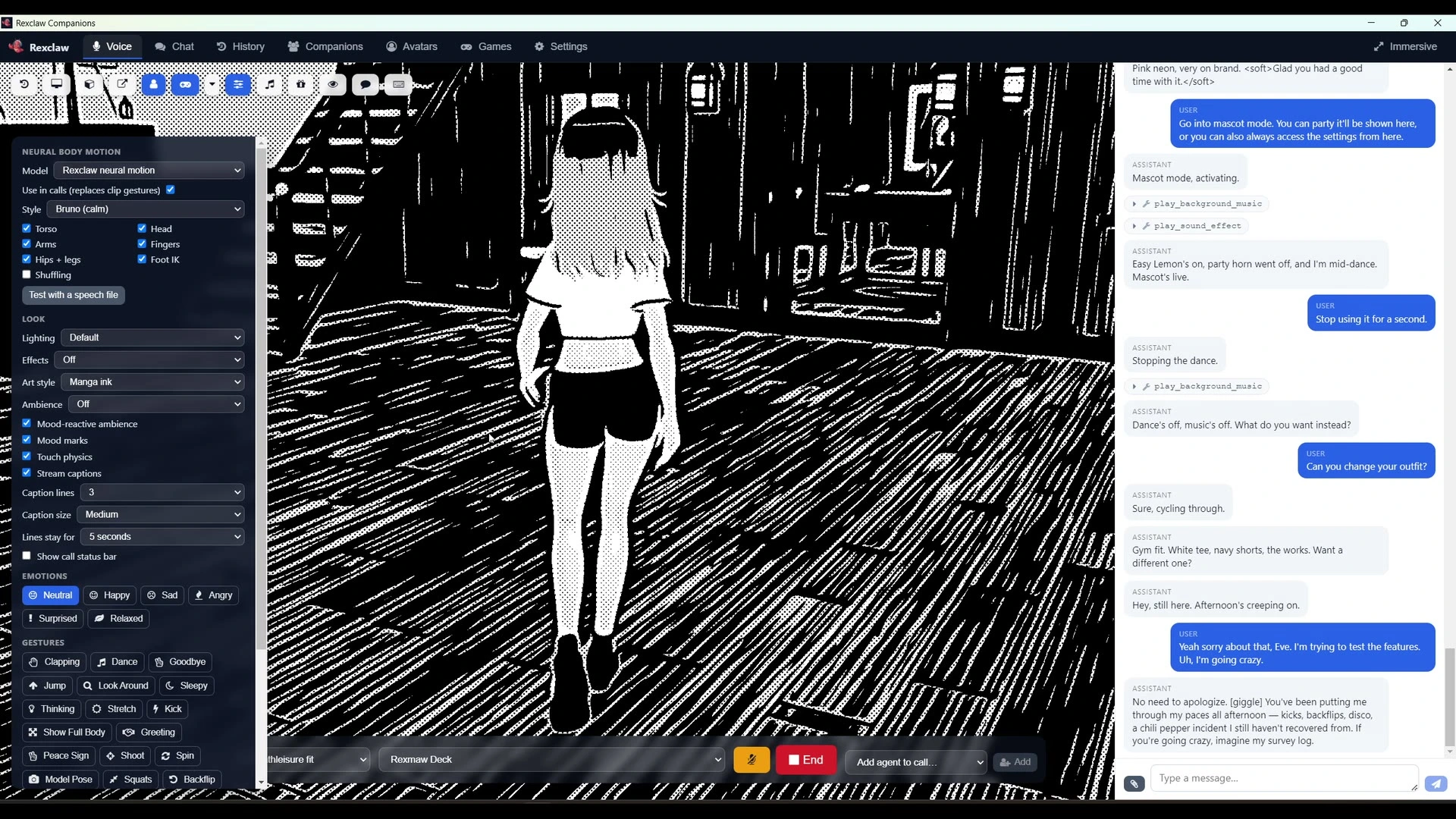
- Art styles repaint the live scene: watercolour, manga ink, risograph, pixel art. Plus weather and lighting presets.
- A bundled neural model turns their voice into body motion, so they are never standing still while they talk.
- Wake phrase: say "Hey, Eve" and she appears on the desktop, call already live.
- They can look at your screen and point at things on it.
- A recording studio for voicemails, bedtime stories and guided meditations, with sound beds and effects.
- MCP connections for any brain, so a companion can use your own tools. Yes, including the ERP.
- A soundboard, karaoke with a trainable singing voice, and a manga diary that turns a conversation into an inked page.
- macOS and Linux builds alongside Windows, all pushed automatically on every release.
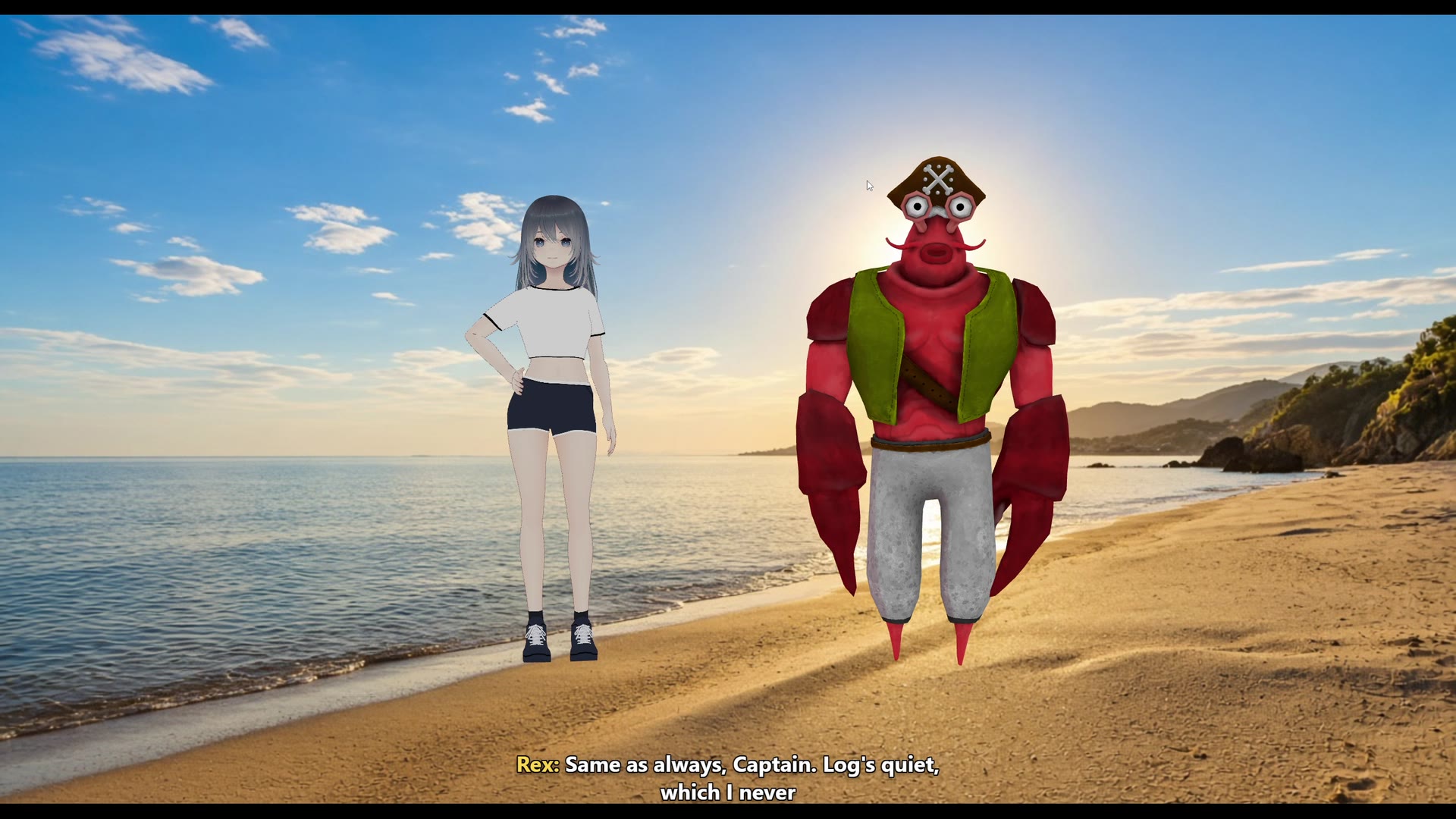
Watch the Full Tour
Thirty minutes, from download to firing a catgirl from a cat café, which I maintain is a delicate subject for any entrepreneur.
Check It Out
Rexclaw is free and open source. Bring your own key, sign in with a Grok subscription, or run it fully local.
- The Rexclaw page, with downloads and more clips: https://codemarchant.com/rexclaw
- Desktop app on itch.io: https://codemarchant.itch.io/rexclaw
- Source, Docker image and README: https://github.com/Codemarchant/rexclaw
Earlier diaries: the lobster leaves the ERP, and how the half-lobster got into the ERP in the first place.
If you try it and want something built, tell me. I am deciding where to take it next.